If you are preparing documents for a government job application, one of the most common problems you will face is PDF file size exceeding the portal limit. Whether it is your marksheet, certificate, or ID proof, almost every online application portal has a strict maximum file size — often between 100KB and 500KB.
Submitting an oversized PDF means the form will simply reject your upload and you will not be able to proceed. In this complete guide, you will learn exactly how to compress PDF online free without losing text clarity or document quality, using Rojgar Sangam Tools — directly from your browser with no app or signup required.
Most government job portals like SSC, UPSC, Railway, and state PSC websites require uploaded PDF documents to be under 200KB or 500KB. Always check the exact size limit mentioned on the portal before uploading.
What is PDF Compression and Why Does It Matter?
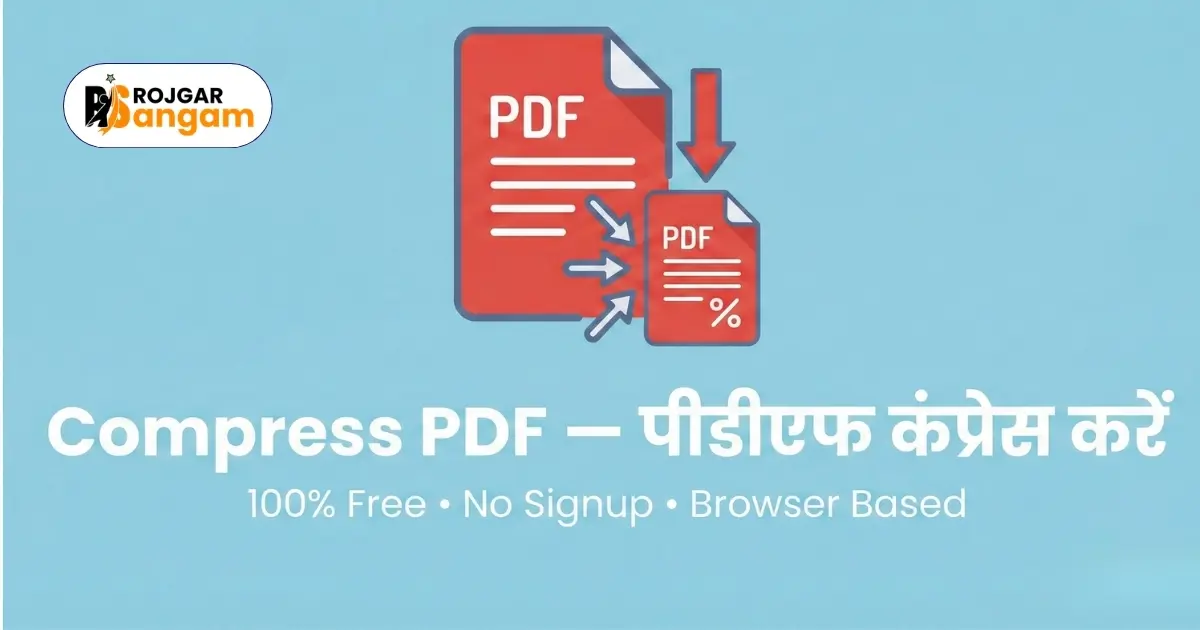
PDF compression is the process of reducing the file size of a PDF document while keeping its content — text, images, and formatting — as intact as possible. A compressed PDF takes less storage space and uploads faster on slow internet connections, which is especially useful in rural areas where internet speed can be limited.
For government job applications, compressed PDFs are not just convenient — they are often mandatory. Portals enforce file size limits to keep their servers efficient and to ensure all applicants submit standardised documents.
Common Reasons Why Your PDF File Size Is Too Large
- You scanned a physical document at very high resolution (300 DPI or above)
- Your PDF contains multiple high-quality images embedded inside
- The document was exported from Word or another software with embedded fonts
- The file contains unnecessary metadata, bookmarks, or hidden layers
- You merged multiple PDFs without compressing them first
Do not compress a PDF more than necessary. Over-compression makes text blurry and unreadable, which may cause your application to be rejected during document verification by the recruiting authority.
How to Compress PDF Online Free — Step by Step
Follow these simple steps to reduce your PDF file size instantly using Rojgar Sangam Tools. The entire process takes less than one minute and works on any device.
-
1Open the Compress PDF Tool
Visit tools.rojgarsangam.in/tools/compress-pdf on your phone or computer. No login, no signup, and no software installation is required.
-
2Upload Your PDF File
Click the upload button or drag and drop your PDF file directly onto the page. Your file is processed entirely inside your browser and is never sent to any external server.
-
3Choose Your Compression Level
Select Low, Medium, or High compression based on your requirement. Low keeps the best quality, High gives the smallest file size. For most government forms, Medium works perfectly.
-
4Click Compress and Download
Hit the Compress button and your optimised PDF will be ready in seconds. Download it and check the file size before uploading it to the application portal.
-
5Verify the File Before Uploading
Open the downloaded PDF and check that all text is clearly readable and all pages are complete. Then upload it to your government portal with confidence.
Compress Your PDF Right Now — 100% Free
No signup required. Works on mobile and desktop. Completely browser-based and secure.
Open Compress PDF ToolWhich Compression Level Should You Choose?
Low Compression — Best Quality
Use Low compression when your PDF is already fairly small (under 1MB) or when the document contains important text and fine print that must remain sharp. This setting reduces file size by roughly 20 to 40 percent while preserving maximum quality.
Medium Compression — Best Balance
Medium compression is the recommended setting for most government job documents. It reduces file size by 50 to 70 percent while keeping text fully readable. This is the right choice for scanned marksheets, certificates, and identity documents.
High Compression — Smallest File Size
Use High compression only when you absolutely need to hit a very low file size limit (under 100KB) and your document does not contain very fine text or critical details. Images inside the PDF may appear slightly less sharp at this setting.
Recommended Settings for Different Portals
SSC and UPSC Applications
Most SSC and UPSC portals require documents under 200KB to 300KB. Use Medium compression for scanned certificates and Low compression for digitally created PDFs.
Railway Recruitment Board (RRB)
Railway portals typically accept files up to 500KB. Low compression is usually sufficient and will preserve better document quality for verification.
State PSC and Police Recruitment
Requirements vary by state. Most state portals accept files between 100KB and 500KB. Always read the official notification carefully for exact specifications before compressing.
Bank and IBPS Applications
Bank portals such as IBPS, SBI, and RBI usually allow up to 300KB per document. Medium compression works best for the combination of text and scanned images found in bank application documents.
Is It Safe to Compress PDF Online?
This is a very common concern among users who are dealing with sensitive documents like Aadhaar cards, marksheets, or certificates. When you use Rojgar Sangam Tools, your file is processed entirely within your own browser. The tool runs as a client-side application, meaning your PDF is never transmitted to or stored on any server. Once you close the browser tab, the file is completely gone.
This makes it one of the safest ways to compress sensitive government documents online.
Frequently Asked Questions
Can I compress a PDF on my mobile phone?
Yes, absolutely. Rojgar Sangam Tools works on all devices including Android phones, iPhones, tablets, and computers. No app download is needed — just open the website in your browser.
What is the maximum file size I can compress?
You can compress PDF files of any size. However, very large files (above 50MB) may take slightly longer to process depending on your device speed.
Will compression remove pages from my PDF?
No. Compression only reduces the file size by optimising images and removing unnecessary data. All your pages, text, and content remain completely intact.
What if the compressed file is still too large?
Try applying Medium or High compression. If the file is still too large, it may mean the original PDF contains very high resolution scanned images. In that case, try scanning your documents at a lower DPI (150 DPI is usually sufficient for government forms) and then compress again.
Is there a limit on how many PDFs I can compress?
No. You can compress as many PDF files as you need, completely free, with no daily limit or account required.